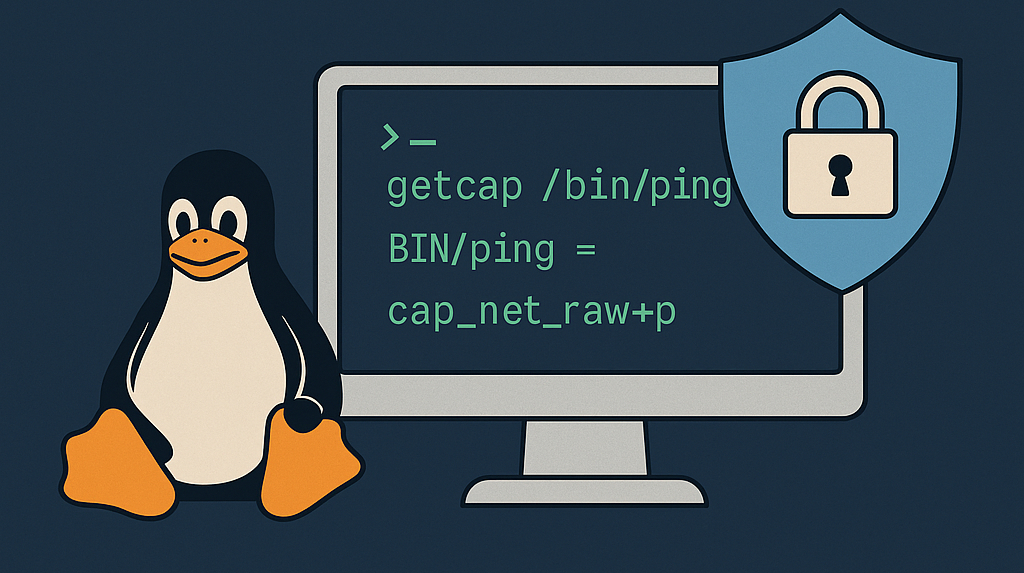
Hardening Linux Binaries with Capabilities
Every System Administrator knows the feeling: you want to give your users just enough power to get things done—and no more. On modern Linux systems, the age-old setuid bit became a sledgehammer when all we needed was a scalpel. In this guide, I’ll show you how to swap out those blunt setuid bits for precise Linux capabilities, using the humble ping command as our running example.
The Old Way: setuid and Its Hidden Danger
Picture this:
- You list your
/bin/pingbinary and see:-rwsr-xr-x 1 root root 44168 May 7 23:51 /bin/ping
- That little
sin place of normalxmeanssetuidis on, sopingruns with root power (file owner).
Back in the day, that was fine. But any bug in a setuid binary could become a full system takeover. Remember famous sendmail or passwd exploits? Those tools ran as root—so attackers got root too.
🚨 Why this can be dangerous ?
-
All or nothing: The binary gets full root privileges, not just the parts it needs.
-
Single point of failure: A vulnerability in any setuid tool can become a path to full system compromise.
⚠️ I’ll briefly show examples of how certain other commonly used binaries can be exploited for shell escalation. For example, assuming these binaries are SUID-root:
$ vim -c ':!/bin/sh'
# This launches an interactive root shell from within vim.

$ python3 -c 'import os; os.system("/bin/sh")'
# Python executes /bin/sh as root.

$ awk 'BEGIN {system("/bin/sh")}'
# awk runs /bin/sh, giving a root shell.
By limiting everything to one big drop of root power, we invited risk.
Linux Capabilities: Precision Over Power
Enter Linux capabilities: a way to grant just the privileges a binary needs. Instead of giving the whole root keychain, we hand over only the ICMP key for ping.
Capabilities are split into three sets:
- Permitted: What it may use.
- Effective: What it actually uses.
- Inheritable: What it passes to child processes.
Pro tip: For most single-shot tools like
ping, tweaking the Permitted set is enough.
Step-by-Step: Hardening ping
-
Check current status
ls -l /bin/pingYou see the
sin the owner’s execute bit.$ ls -l /bin/ping -rwsr-xr-x 1 root root 44168 July 11 07:28 /bin/ping # ^ s = setuid bit is set (user has execute permission with elevated privilege) -
Remove
setuidsudo chmod u-s /bin/ping -
Test
pingping example.com # → Operation not permittedUsers lost ICMP power—exactly what we expected.
-
Grant just ICMP power
sudo setcap cap_net_raw+p /bin/ping -
Verify
getcap /bin/ping # /bin/ping = cap_net_raw+p -
Try again
ping example.com
# → 64 bytes from example.com: icmp_seq=1 ttl=...
Boom—ping works, but only with one extra privilege.
Beyond ping: Best Practices
- Audit often:
getcap -r /to find other tools needing capabilities. - Be minimal: Only add what’s necessary. Avoid
cap_sys_admin—it’s almost root by another name. - Document: Keep a changelog of every binary you tweak.
⚠️ A quick note on complex tools: While Linux capabilities provide fine-grained control, they’re mostly effective for narrow tasks like ping needing network privileges.
For powerful tools like vim, python, or awk, there are no specific capabilities that safely grant only the needed privileges.
These tools can run arbitrary code or spawn shells, so it’s best “not to run them with setuid or elevated capabilities”.
Instead, use sudo with strict policies and security frameworks like SELinux or AppArmor to control their access.